







903
903
903
903
903
903
903
903
903
903
4G US Router

903

Regular price$0.00
/
EIOTCLUB STORE
Ship within 24 hours
7-Day Easy Returns
SIM CARD 10-Year Quality Guarantee
Device 1-Year Quality Guarantee
PAYMENT
903
$0.00
SAVE $0
Shop Now
Overview FAQs Reviews manual
img
img
img

Share confidently

Connect phones, tablets, laptops, cameras and more. CLR903 supports up to 32 devices over Wi‑Fi, plus one USB connection.

img

Refill in a moment

Press the button twice to display a QR code and head straight to the official top-up page or payment platform.

img

See what matters

The LCD shows signal, connected devices, battery, live speeds and your refill QR code at a glance.

img

Share confidently

Connect phones, tablets, laptops, cameras and more. CLR903 supports up to 32 devices over Wi‑Fi, plus one USB connection.

img

Refill in a moment

Press the button twice to display a QR code and head straight to the official top-up page or payment platform.

img

See what matters

The LCD shows signal, connected devices, battery, live speeds and your refill QR code at a glance.

More data, on your schedule.

Finish your included trial data? Pull up a refill QR code, scan it, and choose the data plan that works for you.

Prepaid data without a monthly contract.See how data refill works

  1. Wake the screenPress the power button.
  2. Press twiceYour refill QR code appears.
  3. Scan and chooseComplete your recharge online.

Turn it on. You’re ready.

Your private network name and password are right on the display, ready for your phone, tablet or laptop.

No app required to get connected.

Your Wi‑Fi, your way.

When you want more control, your CLR903 management page puts your network, devices and security settings in one place.

Simple settings for a more personal connection.

  • Personalize your Wi‑FiUpdate your network name, password and security.
  • Keep an eye on connectionsReview connected devices and their data usage.
  • Go deeper when you wantManage bands, DHCP, MAC filters and more at 192.168.1.1.

DESIGNED FOR REAL DAYS

Connection shouldn’t
stay in one place.

A compact 5G hotspot that slips into a pocket and keeps your devices together wherever the day takes you.
CarADD CAR IMAGE

On the road

Give everyone in the car a connection without sharing your phone.

CampingADD CAMPING IMAGE

Off the grid

Bring reliable personal Wi-Fi to campsites and RV stops where coverage is available.

HomeADD HOME IMAGE

At home

Keep a backup connection option for your essential devices.

Business tripADD BUSINESS TRIP IMAGE

At work

Stay ready for client visits, temporary spaces and days away from the office.

Connect in three simple moves

READY WHEN YOU ARE
img
img
Power onPress and hold the power button for 5 seconds. Your device begins connecting to the cellular network.
img
img
Find your Wi‑FiCheck the device screen for its Wi‑Fi name and password, then connect your phone, tablet or laptop.
img
img
Go onlineUse your private connection. Press once while the screen is off to see your real-time status.

How to get high-speed Wi-Fi in 30 seconds


Watch Full Video
X
Product Comparison

Product Comparison

Router device
Learn More
Supported Carriers
Weight
Power
Max. DevicesConnected
SIM Card
Connection Status
Best For
img
Supported Carriers
T‑Mobile / AT&T / Verizon
Weight
3.4 oz
Power
Built-in 3000mAh Battery
Max. DevicesConnected
32
SIM Card
Not Replaceable
Connection Status
LED Screen
Best For
Travel / Outdoor / On-the-Go
img
Supported Carriers
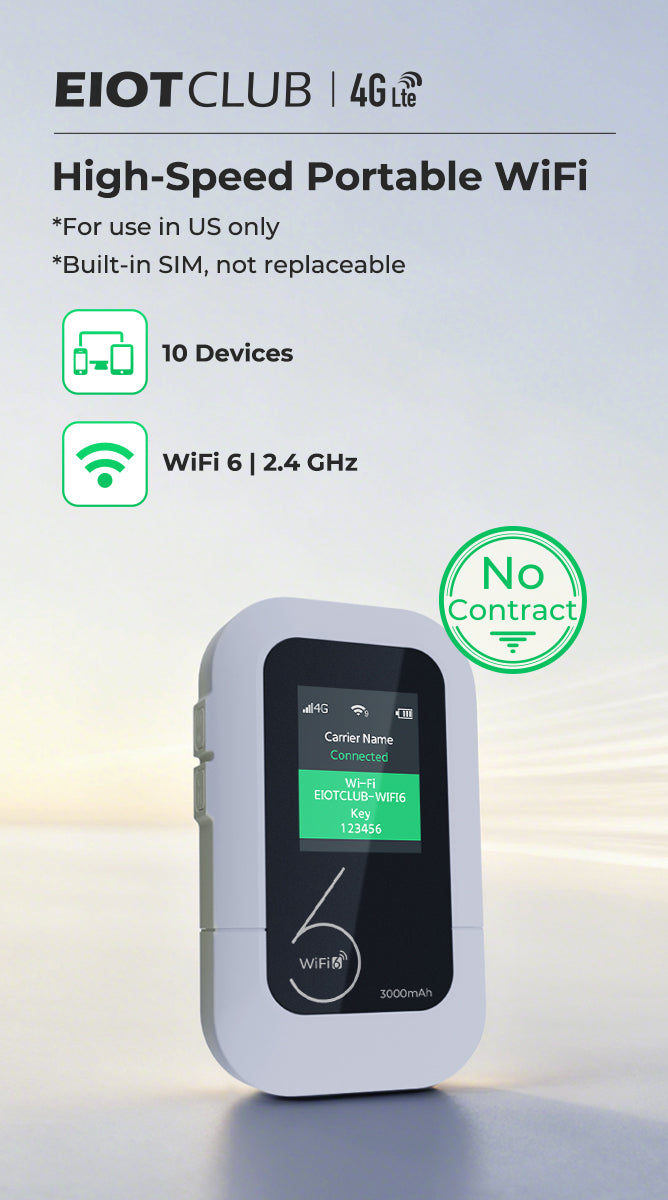
T‑Mobile / AT&T
Weight
4.4 oz (Portable)
Power
Built-in 3000mAh Battery
Max. DevicesConnected
10
SIM Card
Not Replaceable
Connection Status
LED Screen
Best For
Travel / Outdoor / On-the-Go

FAQs

travel router
Sim card
travel router
Which networks does it support?Which networks does it support?

It supports major carriers like AT&T and T-Mobile. The device intelligently switches to the strongest signal available in your area, ensuring you have a stable connection whether you are in the city or on the road.

How long does the battery last?How long does the battery last?

With a 3000mAh battery, the M47 delivers up to 12 hours of 4G WiFi use. It ensures all-day connectivity for road trips, camping, or remote work without hunting for power outlets.

What is a travel router used for?What is a travel router used for?

A travel router is used to create a private and secure Wi-Fi network while on the go. It allows users to connect multiple devices to the internet using a single connection, providing reliable internet access in various locations such as hotels, airports, cafes, or remote work setups.

How does the M47 mobile hotspot work for trips?How does the M47 mobile hotspot work for trips?

The M47 is a SIM card–based mobile hotspot that converts 4G LTE signals into personal WiFi. This gives you a prepaid, no-contract solution for the road. You can bypass risky public networks and enable multi-device sharing for your family. Plus, the one-time login feature means your devices connect automatically.

What is the advantage of this mobile hotspot?What is the advantage of this mobile hotspot?

It provides a completely independent internet source. Unlike standard travel routers that rely on existing WiFi, the M47 is a SIM card–based mobile hotspot that uses cellular data to create a private network. This ensures you have secure connectivity anywhere—without hunting for public WiFi or signing long-term contracts.

Is a travel router a hotspot?Is a travel router a hotspot?

Yes. It functions like a mobile hotspot by creating a private Wi-Fi network for multiple devices. It can share internet from a wired connection or a cellular data signal (SIM card), keeping your devices connected anywhere.

Sim card
Do travel routers need a SIM card?Do travel routers need a SIM card?

Yes, travel routers that utilize cellular connections for internet access typically require a SIM card. These routers are designed to work with mobile data networks such as 3G, 4G, or 5G, and the SIM card serves as the means to establish a connection to these networks. By inserting a SIM card with an active data plan into the router, users can access the internet while on the go, making these devices ideal for travelers seeking reliable connectivity outside of traditional Wi-Fi networks.

Where is the SIM card installed in the eiotclub contract device?Where is the SIM card installed in the eiotclub contract device?

The SIM card in our eiotclub contract phone is pre-installed within the device. Simply power on the device, and you can start using it immediately without worrying about the SIM card installation.

What is this mobile hotspot used for?What is this mobile hotspot used for?

It uses a SIM card to convert cellular signals into a private mobile hotspot. Instead of paying for separate data plans, you can share one recharge across all your devices to save money. Unlike public WiFi, it offers a secure connection where you only need to log in once—no more repetitive sign-ins at every new location.

You may also like

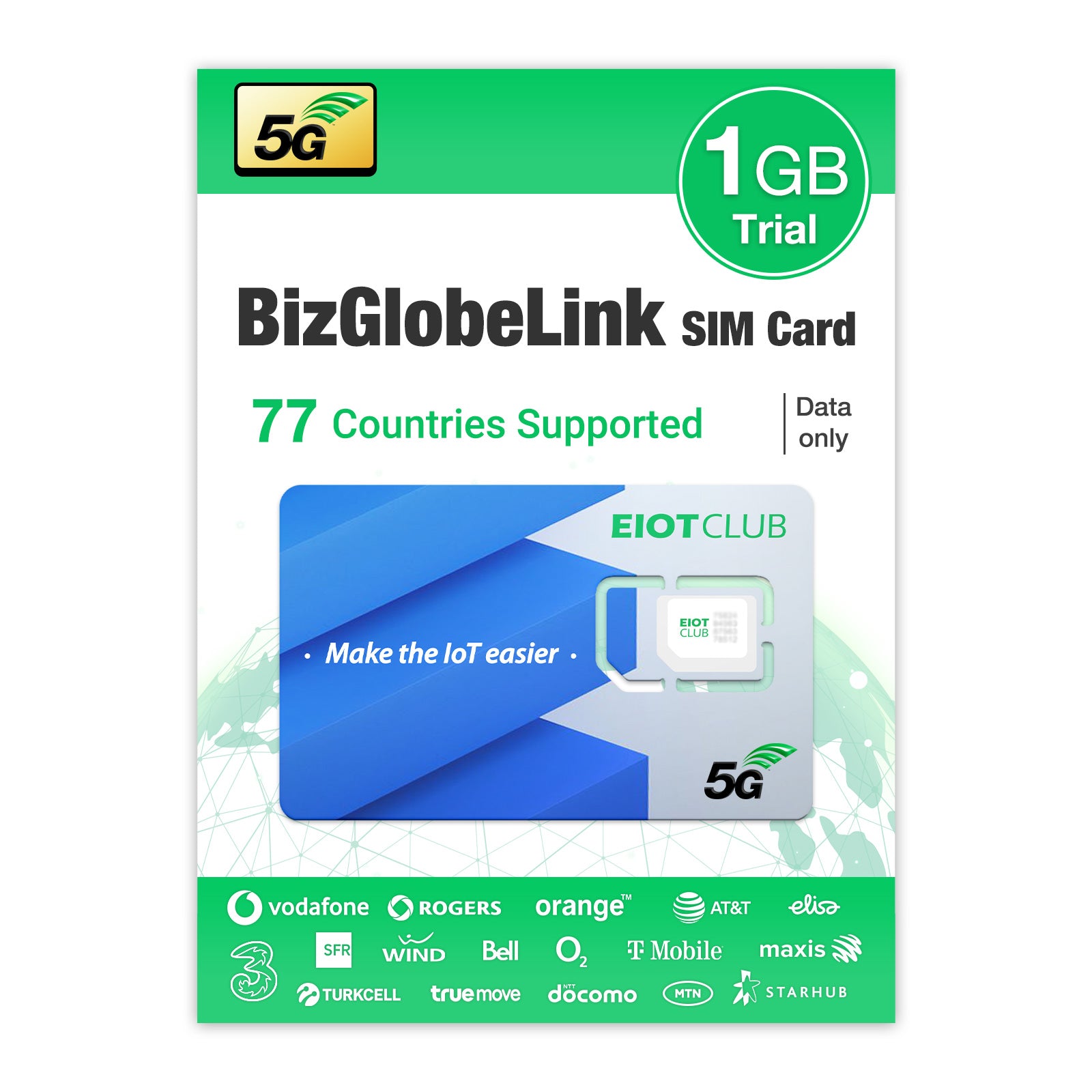
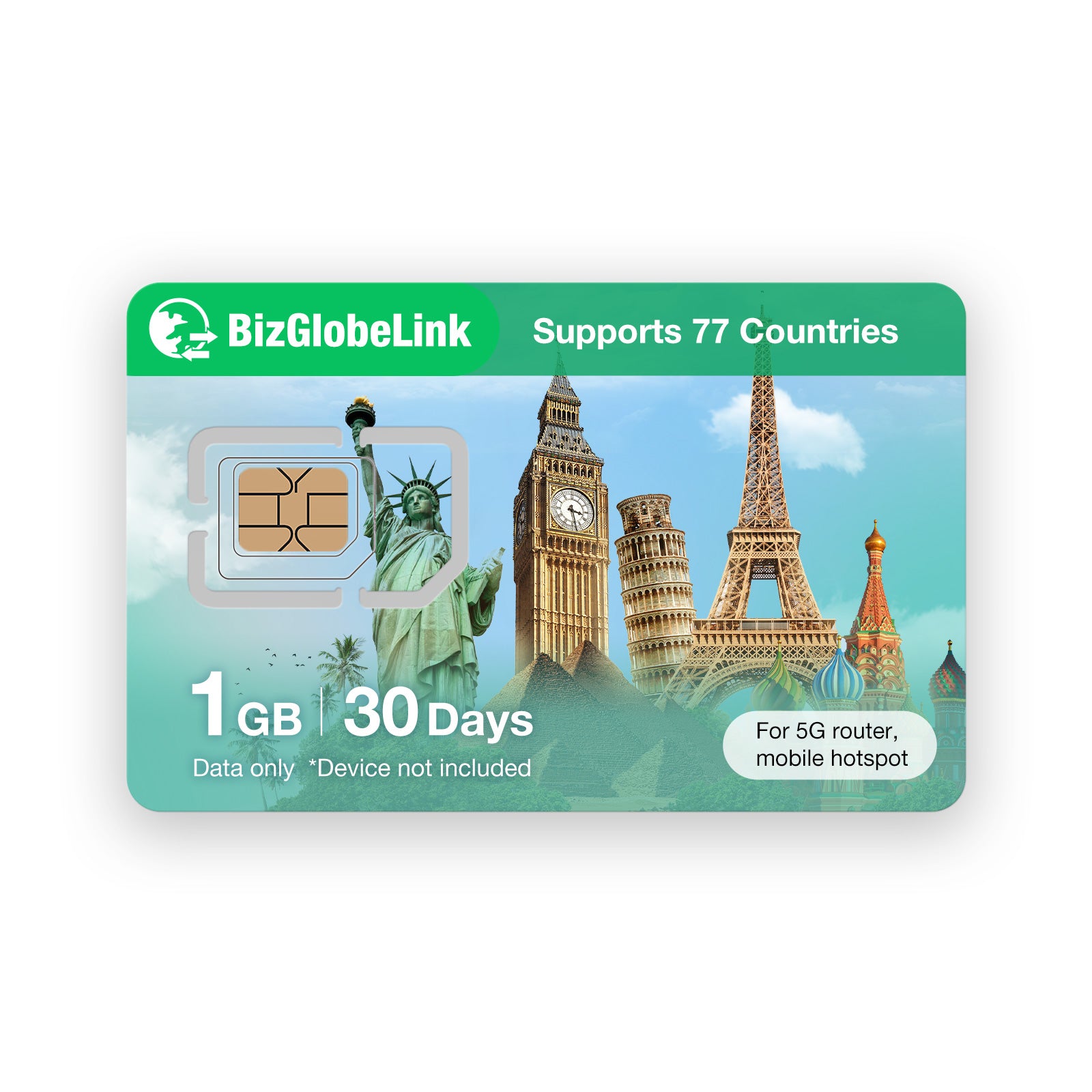
BizGlobeLink SIM card for business travel with global 4G LTE and 5G data coverage New
5G Connect in 77+ countries
$8.00
Eiotclub prepaid SIM card for 5G, 1GB data for 30 days, supports 77 countries BizGlobalLink prepaid SIM card with 3GB data for 30 days, supports US, EU, China, Japan, South Korea.
$8.00
Eiotclub 5G US Connect SIM Card: High-Speed Mobile Hotspot SIM for USA
$6.00