


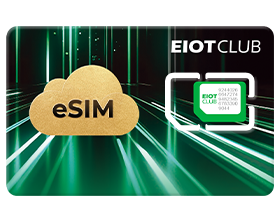
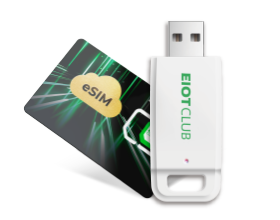








Physical SIM slot
For compatible SIM-slot IoT devices.
North America
For compatible SIM-slot IoT devices.
One Seed Profile plus eight additional slots.
Manage compatible profiles in the EIOTCLUB app.
Add data without replacing your card.
Built for connected IoT devices
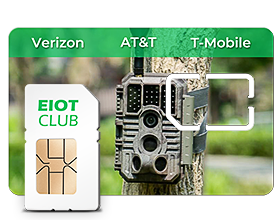
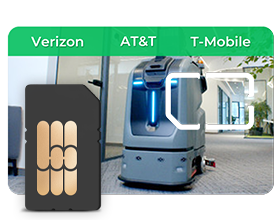
From cameras at remote properties to GPS trackers on the move and routers at temporary worksites, bring flexible connectivity to compatible IoT devices as locations and operating needs change.
How your 9 Profile slots work
3rd-Gen Unlimited eSIM for IoT includes one rechargeable Seed Profile and eight additional Profile slots.
One physical card stores up to 9 eSIM Profiles. Recharge the Seed Profile with an available IoT data plan; one Profile is active at a time.
Keep your connected device online with an available IoT data plan.
Recharge plans are for the Seed Profile. Final plan availability, price, and coverage are confirmed at checkout.
Your built-in Profile can be recharged with available EIOTCLUB IoT data plans.
Keep different compatible eSIM Profiles ready. One Profile is active at a time.
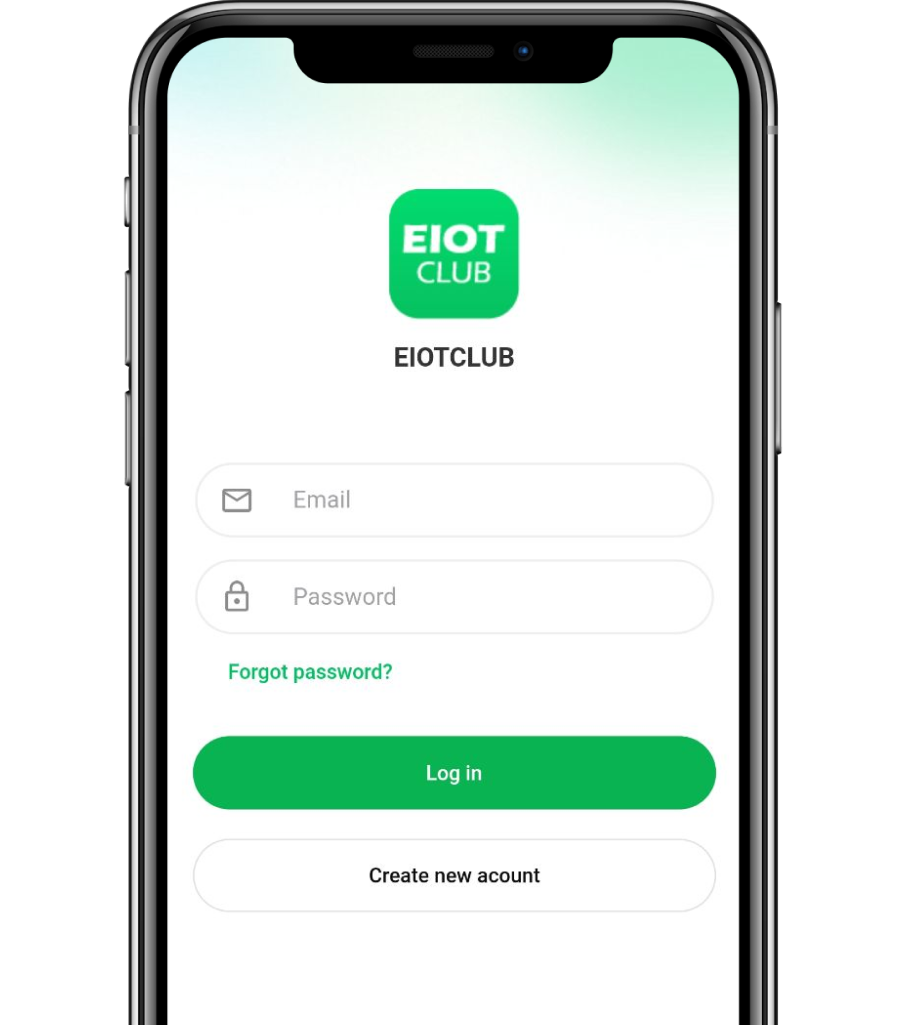
Open the EIOTCLUB app and sign in to your account.
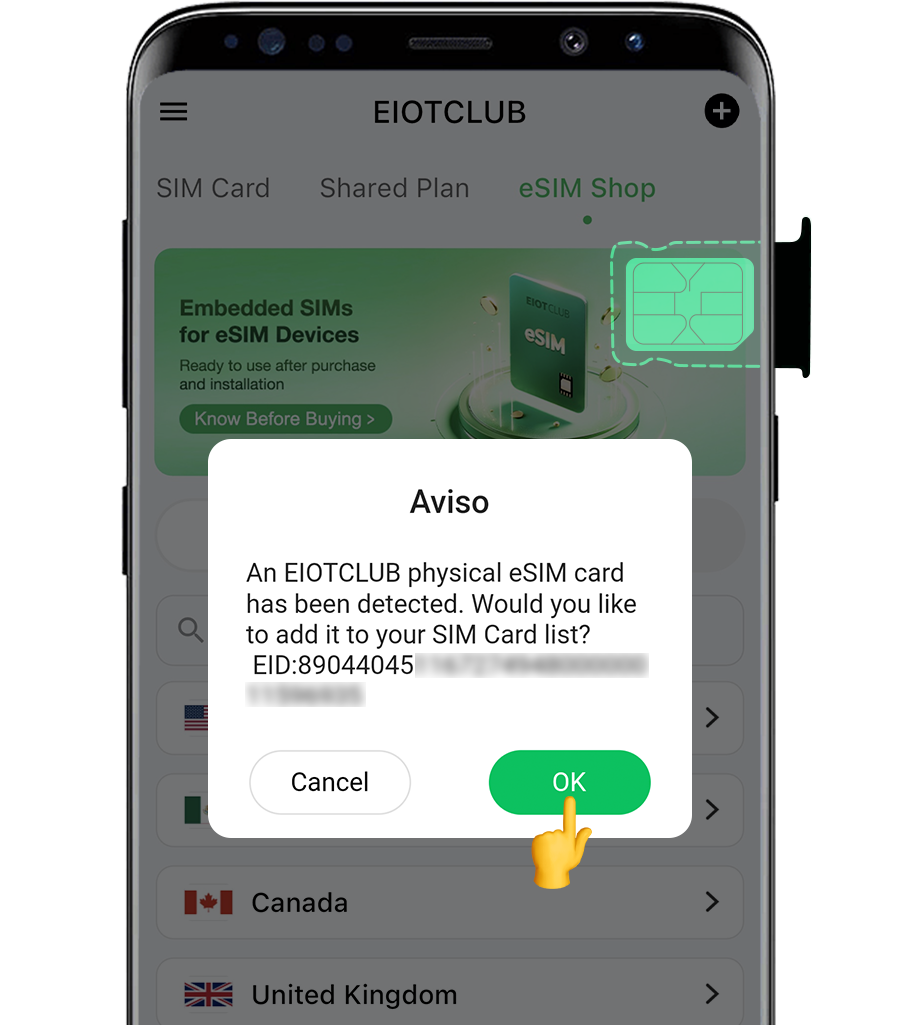
Insert your EIOTCLUB Physical eSIM Card. The app will detect it, prompt you to add it to your SIM card list, and display its EID.
If the card is not detected, scan its ICCID or enter it manually, then tap Next. Your card will appear in the SIM Cards section.
Visit EIOTCLUB eSIM website, select your destination, and choose the data plan that fits your needs. Available plans and coverage vary by destination.
Choose an EIOTCLUB Profile, or add a supported third-party eSIM Profile you already have.
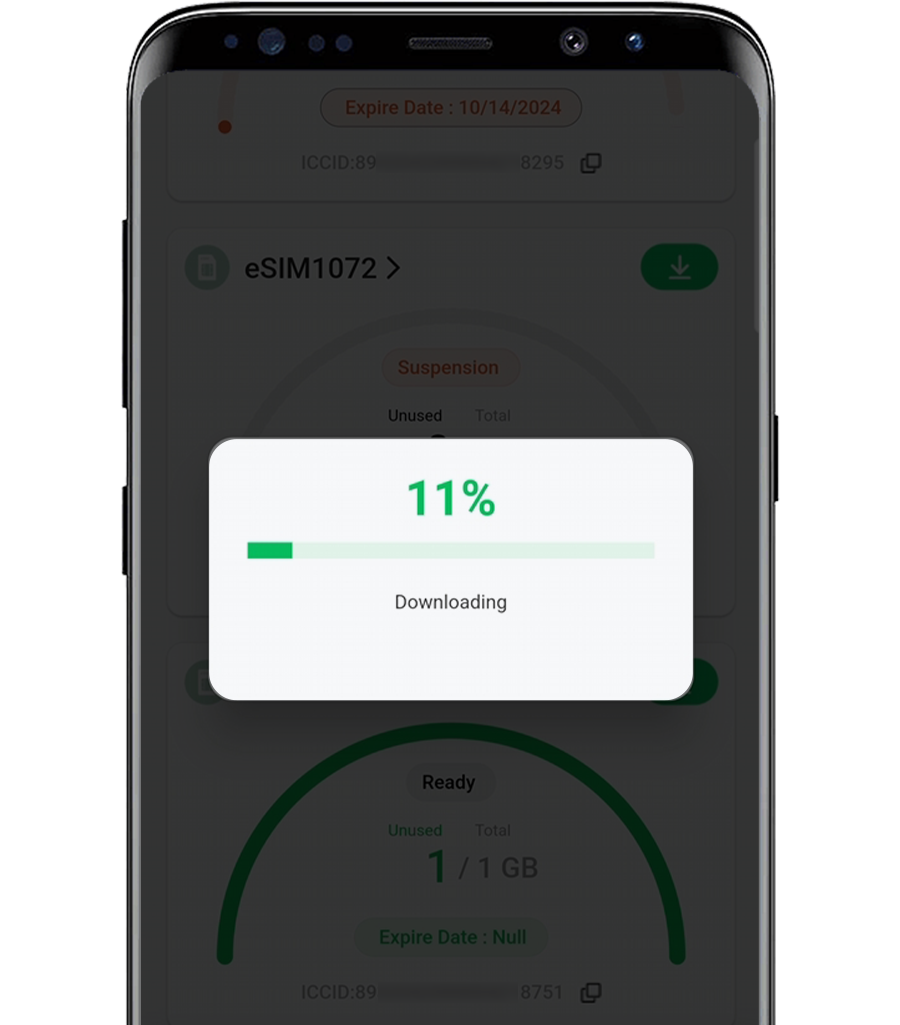
Choose the profile for your destination and download it to an available slot.
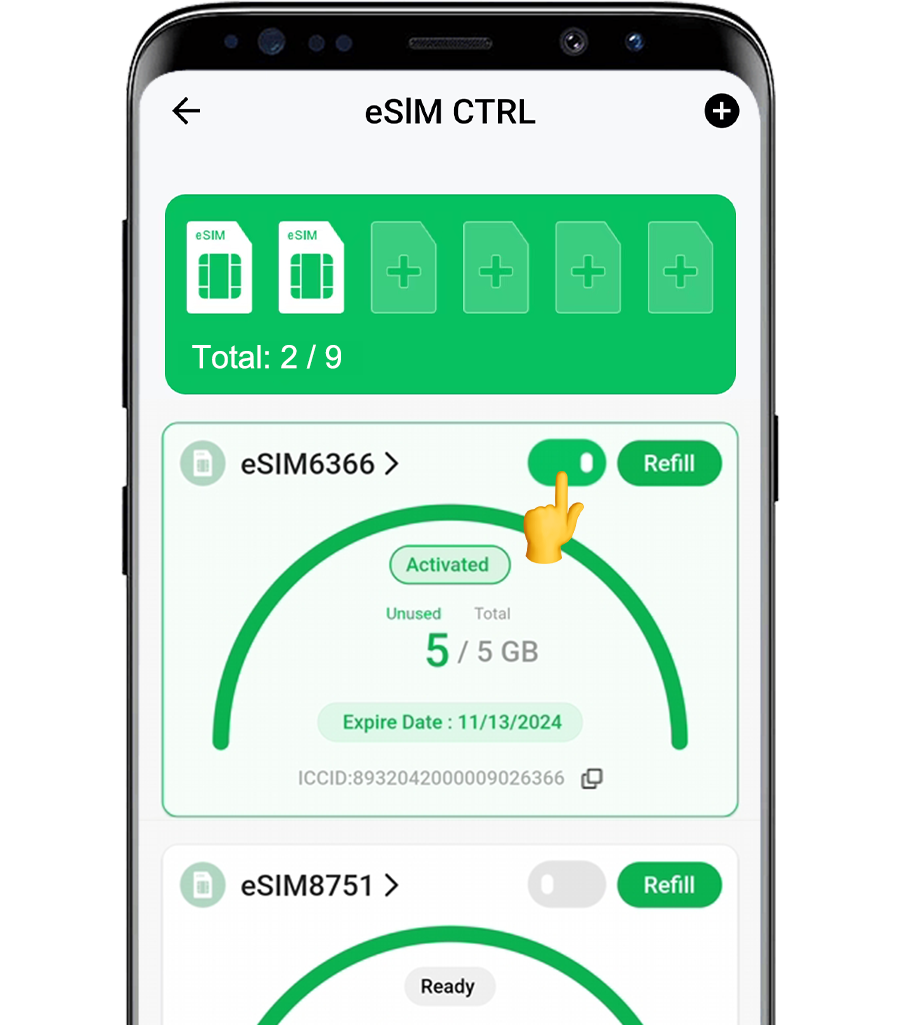
Check each slot’s profile status, then tap Enable to activate the profile you need.
SEE HOW IT WORKS
Watch how the card, EIOTCLUB app, rechargeable Seed Profile, and additional profile slots work together.
Check before you deploy
Start with an unlocked, supported device that has a physical SIM slot.
Ask about your device →