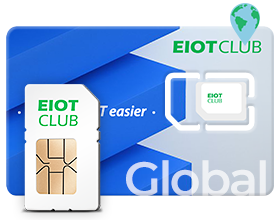
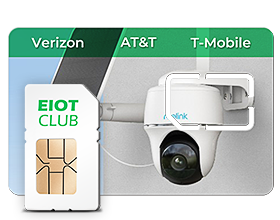
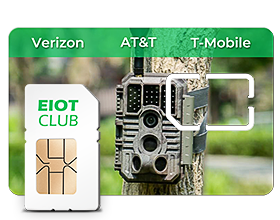
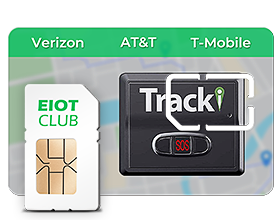
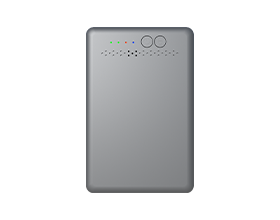








Compatible iPhone, Android & supported IoT devices
Manage supported eSIM Profiles directly in the EIOTCLUB app. No separate reader is needed on supported iPhone devices.
North America
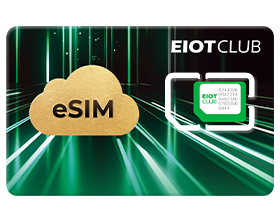
Use eSIM profiles on compatible unlocked devices with a physical SIM slot—then keep up to 9 profiles ready on one EIOTCLUB Physical eSIM Card.
Choose your card version first, then follow the setup path supported by your compatible unlocked device.
Manage supported eSIM Profiles directly in the EIOTCLUB app. No separate reader is needed on supported iPhone devices.

Manage supported eSIM Profiles directly in the EIOTCLUB app on compatible Android devices.
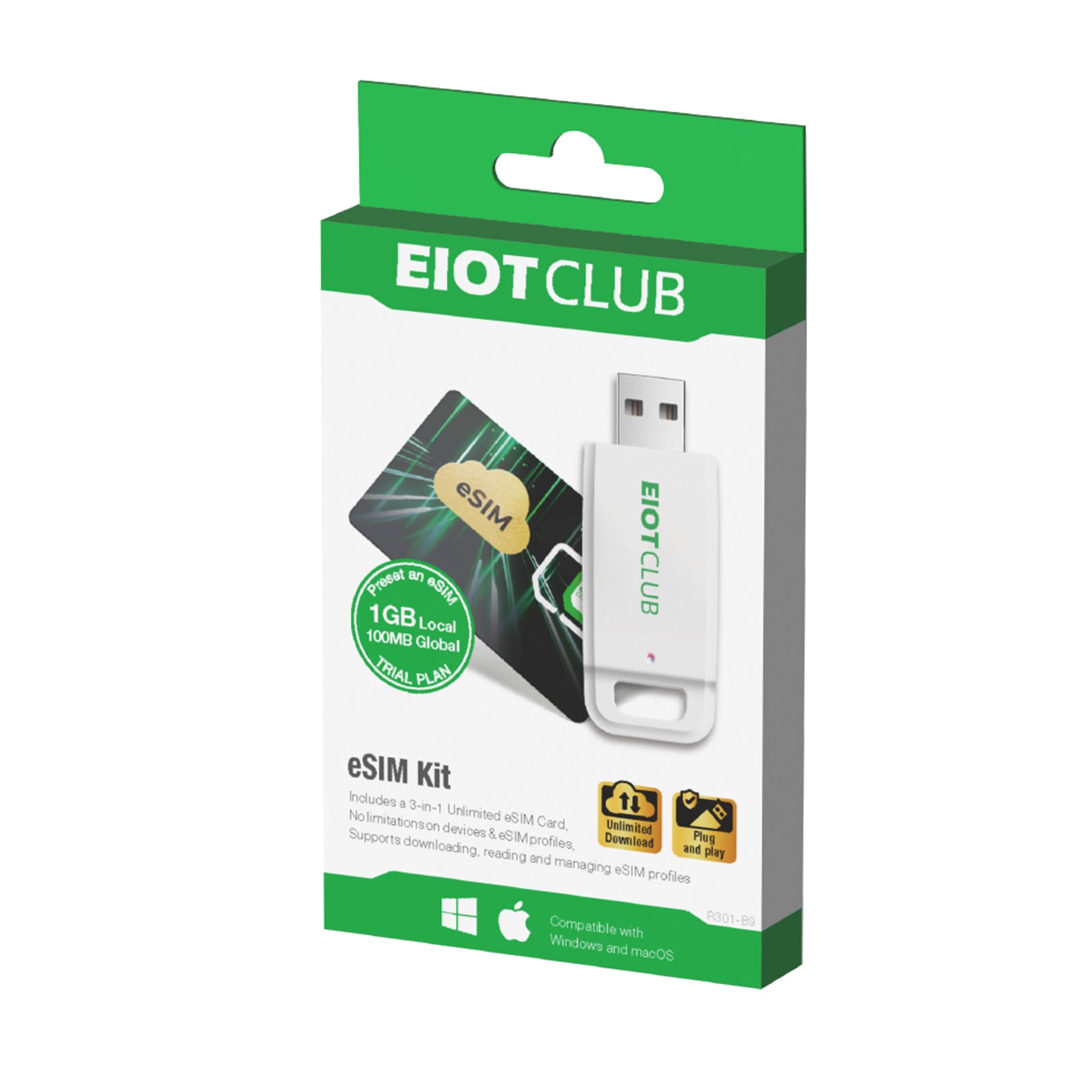
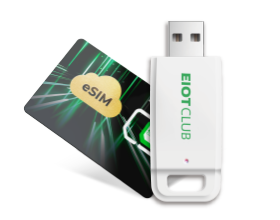
A compatible reader is required for Profile management.
✓Both card versions require a compatible unlocked device with a physical SIM slot. Exact model and software version can affect compatibility.
Your card includes one rechargeable Seed Profile and eight additional Profile slots for the plans you want to keep ready.
Recharge the Seed Profile with available EIOTCLUB plans, then use the remaining slots for the separate Profiles you want to keep.
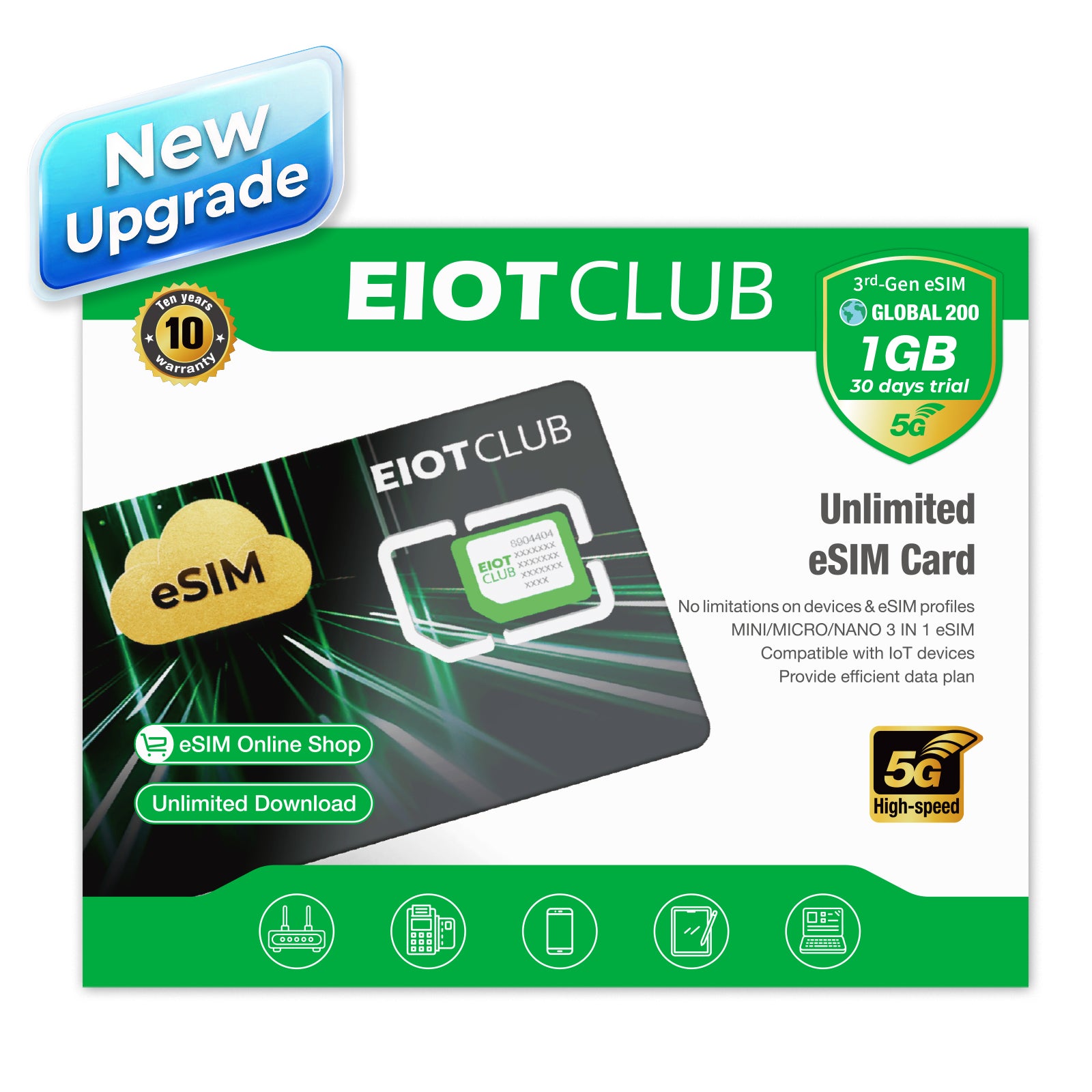
3rd-Gen Unlimited eSIM: 1 GB global data. Unlimited eSIM: 1 GB local data + 100 MB global data.
RECHARGEABLE →3rd-Gen Unlimited eSIM includes 1 GB global data. Final plan availability, price, and coverage are confirmed at checkout.
Your built-in profile can be recharged with available US, Europe, Global, and other EIOTCLUB plans.
Keep different eSIM Profiles ready. Eligible EIOTCLUB Profiles can be recharged individually.
Use one physical card to store compatible eSIM Profiles for different needs. Keep local, regional, travel, or backup Profiles ready, then manage eligible Profiles in the EIOTCLUB app.
Browse compatible EIOTCLUB and supported third‑party eSIM Profiles for available destinations. Plan availability, coverage, and recharge options vary by Profile and operator.
SEE HOW IT WORKS
A short product overview that shows how the physical eSIM card, EIOTCLUB app, and rechargeable profiles work together.
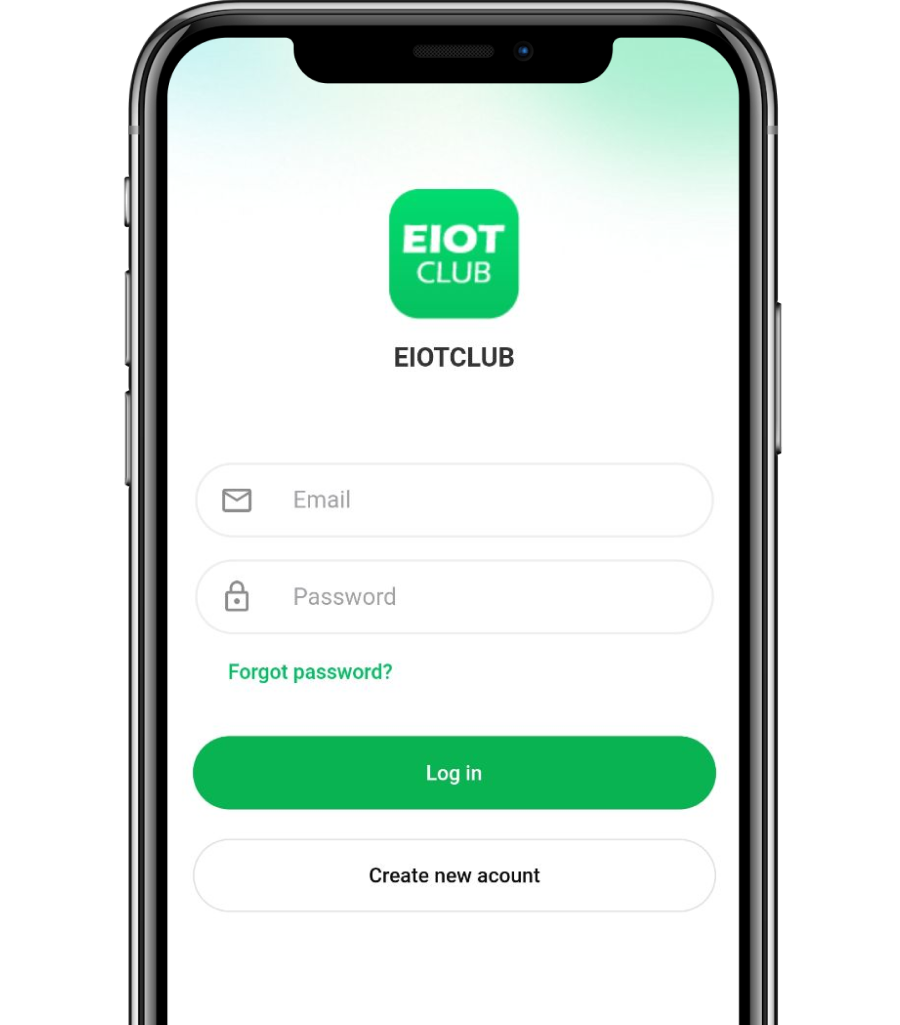
Open the EIOTCLUB app on your device and log into your account.
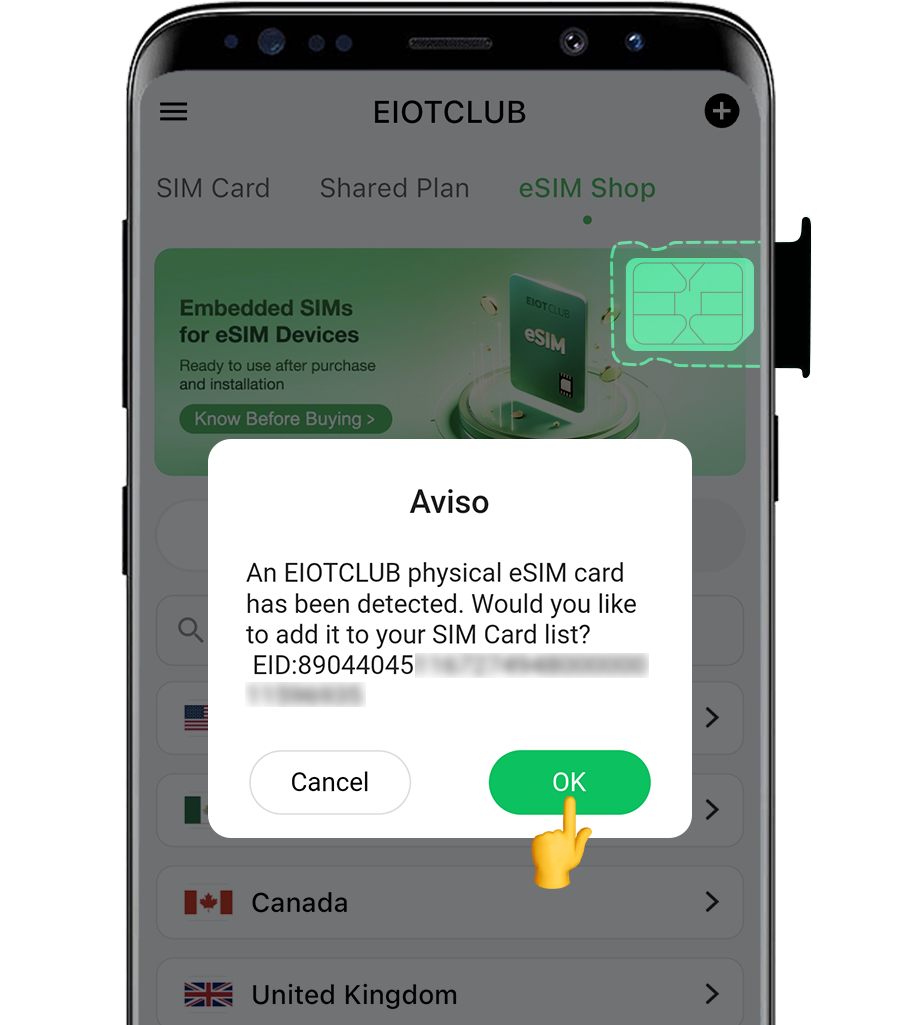
When you insert a physical EIOTCLUB eSIM card into your Android phone, the app will automatically pop up with a message: “An Eiotclub physical eSIM card has been detected. Would you like to add it to your SIM card list?” The EID number will be displayed.
If detection is unsuccessful, you can add it manually.Scan the ICCID or enter it manually.Click Next.Your physical eSIM card will then appear in the SIM Cards section.
Choose an EIOTCLUB or supported third-party profile.
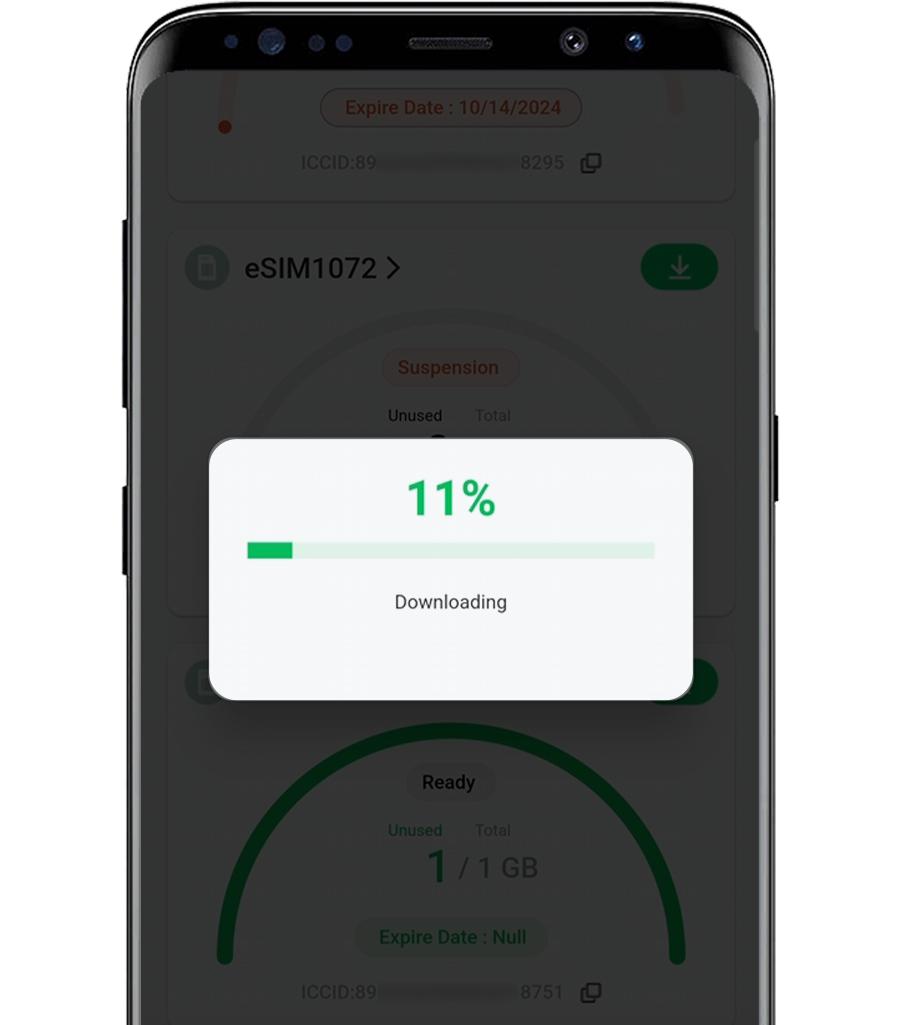
Choose the region-specific profile you want to use and download it to the available slot.
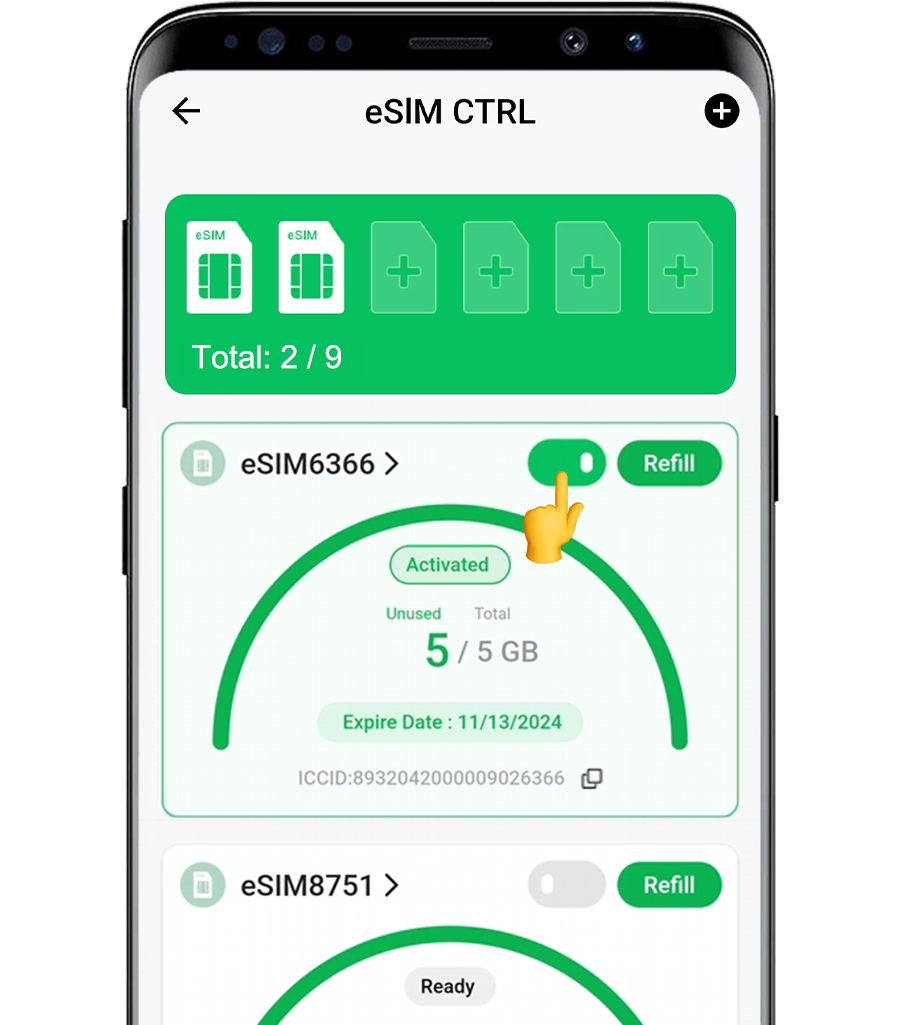
Each card slot will display the status of the eSIM. If you'd like to try out a profile, simply click “Enable” to activate it.


Physical eSIM is a Physical sim card which you can download and manage esim profiles. With the Physical eSIM card, devices that doesn't have esim function can use esim as well. EID number is its Identification.
These details can help you better understand the principles behind SIM cards. You can think of the UICC/eUICC as a physical chip, while the profile represents the virtual data (ICCID).
Physical eSIM can be more functional and inexpensive compared to normal sim card:
Our Physical eSIM supports to download third-party esim profile from other company.

The EIOTCLUB physical eSIM works with Android devices, where you can easily download and manage eSIM profiles via the EIOTCLUB app. For Apple devices, you'll need a card reader to activate the eSIM profile, but once activated, it can also be managed through the EIOTCLUB app.

Yes! The EIOTCLUB eSIM works in multiple regions. You can easily download and switch to region-specific profiles, granting you access to data in over 200 countries. Simply choose the profile that matches your travel destination for seamless global connectivity.

Yes, the EIOTCLUB physics eSIM is highly secure, using encryption and authentication measures to protect your data from unauthorized access. Your eSIM profile is safely stored within the EIOTCLUB app. With eSIM technology, devices can seamlessly switch networks for real-time monitoring, data transfer, and remote diagnostics, reducing reliance on traditional SIM cards. This enhances security and simplifies device deployment. offering reliability and adaptability to changing network demands.

An eSIM profile is a digital version of a physical SIM card, allowing users to download and activate mobile plans directly on their device. Unlike traditional physical SIM cards, eSIM profiles are stored digitally and can be easily activated over the internet. This provides a seamless way to manage mobile connectivity without the need for a physical SIM card swap. Ideal for global travelers and IoT devices, eSIM profiles offer flexibility, convenience, and faster activation compared to traditional SIM cards. buy esim profile

Yes, you can with the eiotclub Card. If you have an Android phone, you can use the eiotclub Card to easily download and manage eSIM profiles. Other phones can still use the eSIM profile on the card, making it simple to add eSIM to your device without needing a new one.

Currently, after inserting the eSIM physical card into your phone, you may experience issues with remote control. This is because Android devices require the SIM card to be inserted into a specific slot. To ensure proper operation, please insert the eSIM card into Slot 1. If inserted into other slots, remote control may not function correctly.

A2: To properly manage your eSIM card and control your devices, please ensure you download the official EIOTCLUB app. You can download it from the following link:
Download EIOTCLUB App

1.Check if the enabled profile works in CX’s country, check apn setting on the device
2.Check the card status to see if there is still data, not suspended
3.Refresh sim profile, or switch carrier
4.If customer has another profile in the physical eSIM, try that profile. If they don’t, forward the case with customer’s country for a replacement profile.
5.Insert the Physical eSIM card into another device to determine whether it is a card problem or a device problem. (if sim works on another device, advise CX to contact the support for the device)
6.send replacement Physical eSIM card

Only a NEW profile can be downloaded to the physical eSIM card. Each eSIM QR code can be only used in one device/physical eSIM card.
*An eSIM profile/QR code that has previously been used on an eSIM device cannot be added to a physical eSIM card.
*Similarly, an eSIM profile/QR code that has been added to a physical eSIM card cannot be used on another eSIM device. The only option is to remove the physical eSIM card from one device and insert it into a different one.

1.Tap “remote” to manage your eSIM profile
2.Tap “eSIMxxxx”
3.Scroll down and you will see the “delete esim” button
4.Note: a seed profile can’t be deleted

Absolutely. Our Eiotclub Physical eSIM Card is designed for broad compatibility, working seamlessly with the vast majority of eSIM-enabled devices from leading brands like Apple, Samsung, and Google Pixel.To make it easy for you to verify, we maintain and continuously update a detailed list of compatible devices. Please click the link below to see if your device is supported:View the complete list of eSIM compatible devices:https://www.eiotclub.com/blogs/community/physical-esim-compatible-devices

Yes, our Physical eSIM Card is designed for maximum flexibility. Technically, it is an open and reusable eSIM that can store multiple eSIM profiles from various providers.This means you can add data plans from other carriers, provided that the other carrier's policy allows installing their eSIM profile onto a third-party card. This gives you the freedom to shop for the best data deals globally without being locked into a single provider.